


Ryan Haines / Android Authority
TL;DR
- Google may be bringing the Pixel Screenshots app to desktop platforms, moving beyond Pixel phone exclusivity.
- We managed to activate a “desktop” release of the Pixel Screenshots app through the Play Store.
- The move likely signals integration with the rumored Aluminium OS or potential new Google desktop hardware.
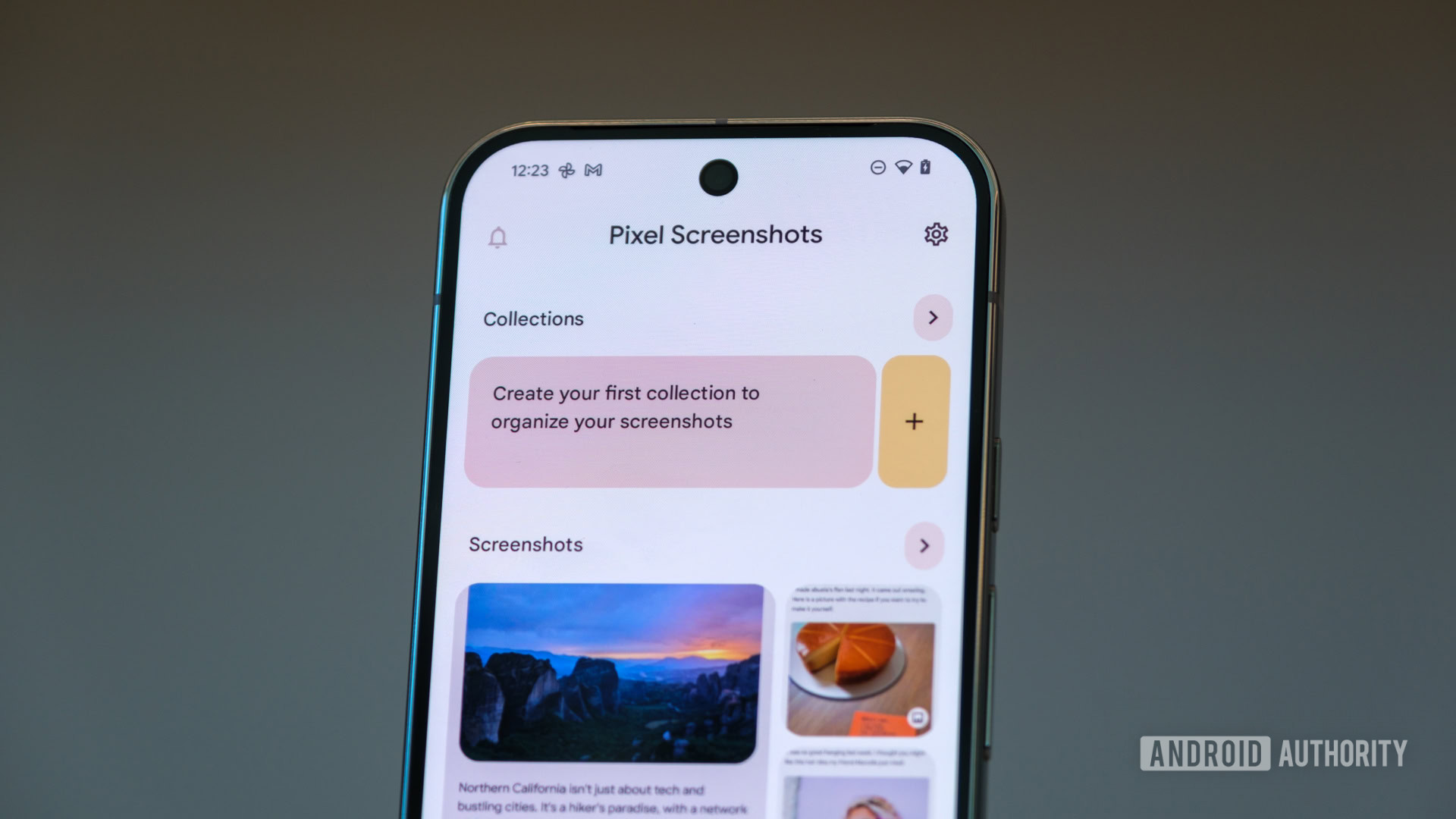
Google launched the Pixel Screenshots app back in 2024 alongside the Pixel 9 series. Using on-device AI, Pixel Screenshots processes and organizes your phone screenshots to create a database of the embedded information. This then lets you ask questions around those screenshots and get instant answers, turning a static folder into a searchable brain. Recent updates even added NotebookLM integration to the app, but the app has remained confined to Pixel phones only. This could soon change, as Google could bring the Pixel Screenshots app to desktops too.
We managed to activate a “desktop” release of the Pixel Screenshots app through the Google Play Store. The versioning clearly indicates that this version of the Pixel Screenshots app is intended for desktop use.

We investigated the app’s desktop release but couldn’t find anything new or noteworthy. Surprisingly, this desktop release does not even appear in the app drawer, unlike the regular mobile version of the Pixel Screenshots app.
Don’t want to miss the best from Android Authority?


It’s easy to guess where this app is likely headed: Aluminium OS. While there are no specific clues tying the Pixel Screenshots app to Aluminium OS, the desktop-centric OS has long been rumored to run Android apps. Presuming the hardware supports on-device AI functionality, the Pixel Screenshots app will feel right at home on a desktop just as it does on a Pixel. However, building on the conjecture, Google will have to expand its availability to non-Pixel devices for it to run on Aluminium OS-based laptops and PCs, unless there’s a Pixel Desktop/Laptop also in the works for which this is being tested.
We’ll keep you updated when we learn more about Pixel Screenshots on desktops.
⚠️ An APK teardown helps predict features that may arrive on a service in the future based on work-in-progress code. However, it is possible that such predicted features may not make it to a public release.
Thank you for being part of our community. Read our Comment Policy before posting.
