


Joe Maring / Android Authority
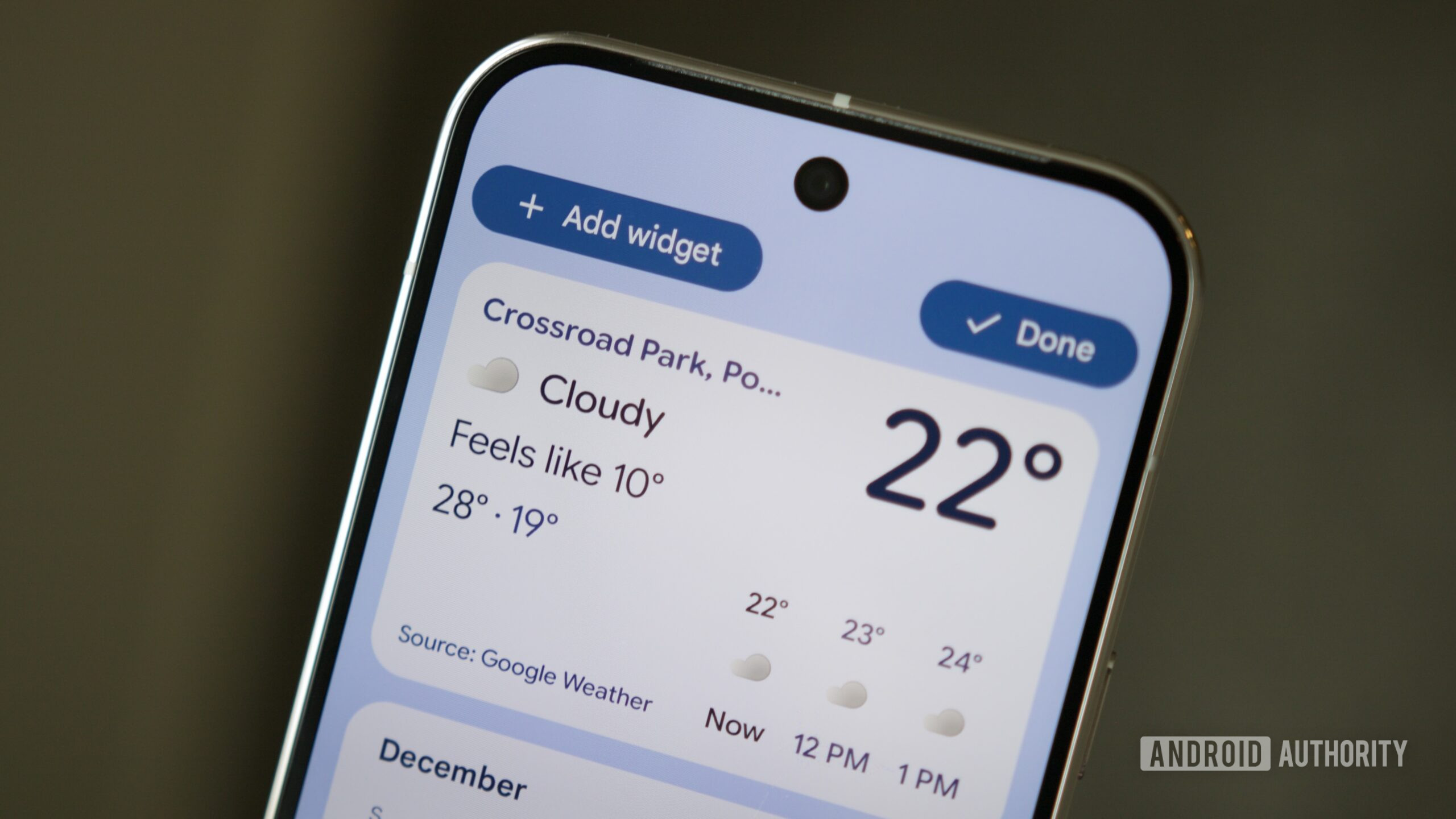
Widgets were one of the reasons I was attracted to Android back in 2010. I was looking for my next mobile OS after the slow decline of Nokia’s Symbian, and Android appealed to me for many reasons, including its multitasking ability, full file system access, and home screen widgets.
The idea of having a customized dashboard in front of me each time I unlocked my phone was very appealing. I wanted to personalize this to show exactly what I wanted, and nothing else. My calendar, my music, the weather around me, the speed of my internet connection, and my phone’s RAM usage — all of these were so useful to me and were the cornerstones of my Android home screen for years.
Fast forward to 2026, though, and I’m a lot less of a widget fan than I was in 2010. As a matter of fact, widgets could disappear from Android tomorrow, and I wouldn’t miss them.
Do you use widgets on your Android home screen?
0 votes
Android widgets are generally ugly and useless

Robert Triggs / Android Authority
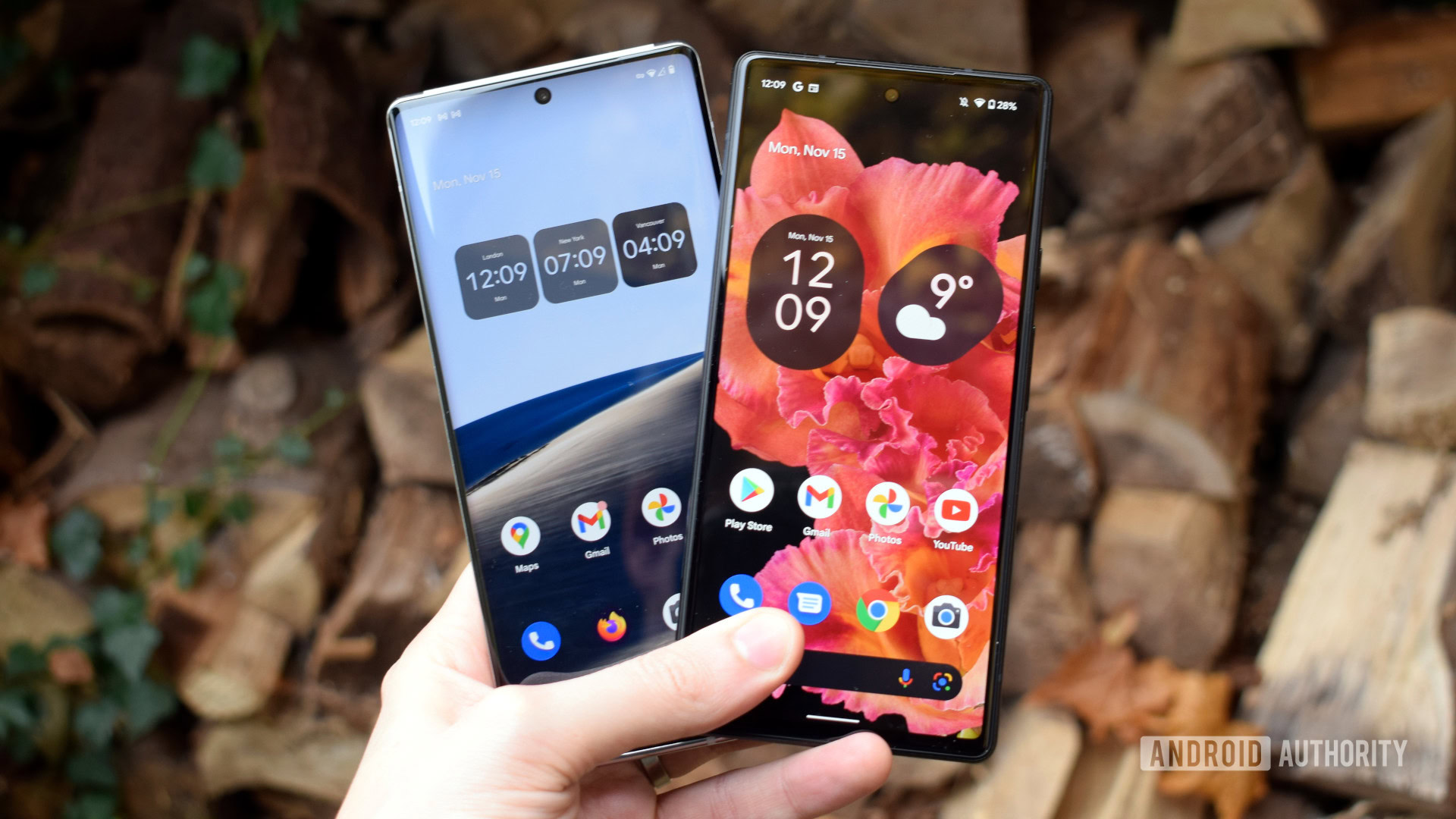
For years now, widgets on Android have looked and felt accidental to me, rather than intentional. Even with the introduction of Material You and the whimsical shapes that adopted a very clear design language, Google’s own widgets still lacked consistency and, to be fair, usefulness. Why can’t I have a Maps widget to show the time it would take me to get back home, or one to display my nearby saved places? Or why isn’t there a Google Analytics real-time traffic widget, a Fitbit widget for my sleep, exercise, or Morning Brief, or a weather widget with the daily forecast instead of the hourly one? My colleague Zac already wrote about Google’s lack of widget care, and I agree with him. Even if the widget situation is better now than in the late 2010s, it’s not as good as it should’ve been after nearly two decades of Android widgetting.
I have a grip with third-party developers — or with Google’s lack of strict parameters for them. Every app I use that provides me with essential everyday info also has a horridly designed widget. The local Parisian RATP or IDF Mobilité apps have ugly widgets for upcoming public transit that don’t use any kind of Material design, don’t fit with the rest of my home screen, often require manual and slow updating before they show me current times, and require several hoops to specify the exact station, train/bus, and direction I want to see. That’s why I can only realistically set them to display transit times from home to my most frequent places. If I’m out and about, there’s no way for me to see nearby public transit, which makes these widgets useless most of the time.
Google should’ve reined in Android widget design a long time ago, but after nearly two decades, we’re still living in the Widget Wild West.
You might say these are niche apps from local developers, so I have no right to complain, but when even Spotify has ugly widgets, Amazon doesn’t give me a widget to track my orders, Oura’s widgets don’t use Material You’s color theming, and WhatsApp has the most horrid widget design known to man, then I think the problem is more systematic than it is isolated. Google could’ve and should’ve reined in third-party widgets a long time ago, but it didn’t. So we find ourselves in the Wild West, where every design whim is allowed.
And yes, I’m aware there are nice widgets out there, some even with Material 3 Expressive, but they don’t do the things I need in my everyday life. Things like a compass, pedometer, calculator, or even available storage, RAM, and internet speed aren’t crucial enough for me to pin them to my home screen at all times. There are also ways to stack ugly or less useful widgets behind nicer ones, but that makes the whole concept rather useless. Just open the app, it’s faster!
Widgets are still dumb and static
Andy Walker / Android Authority
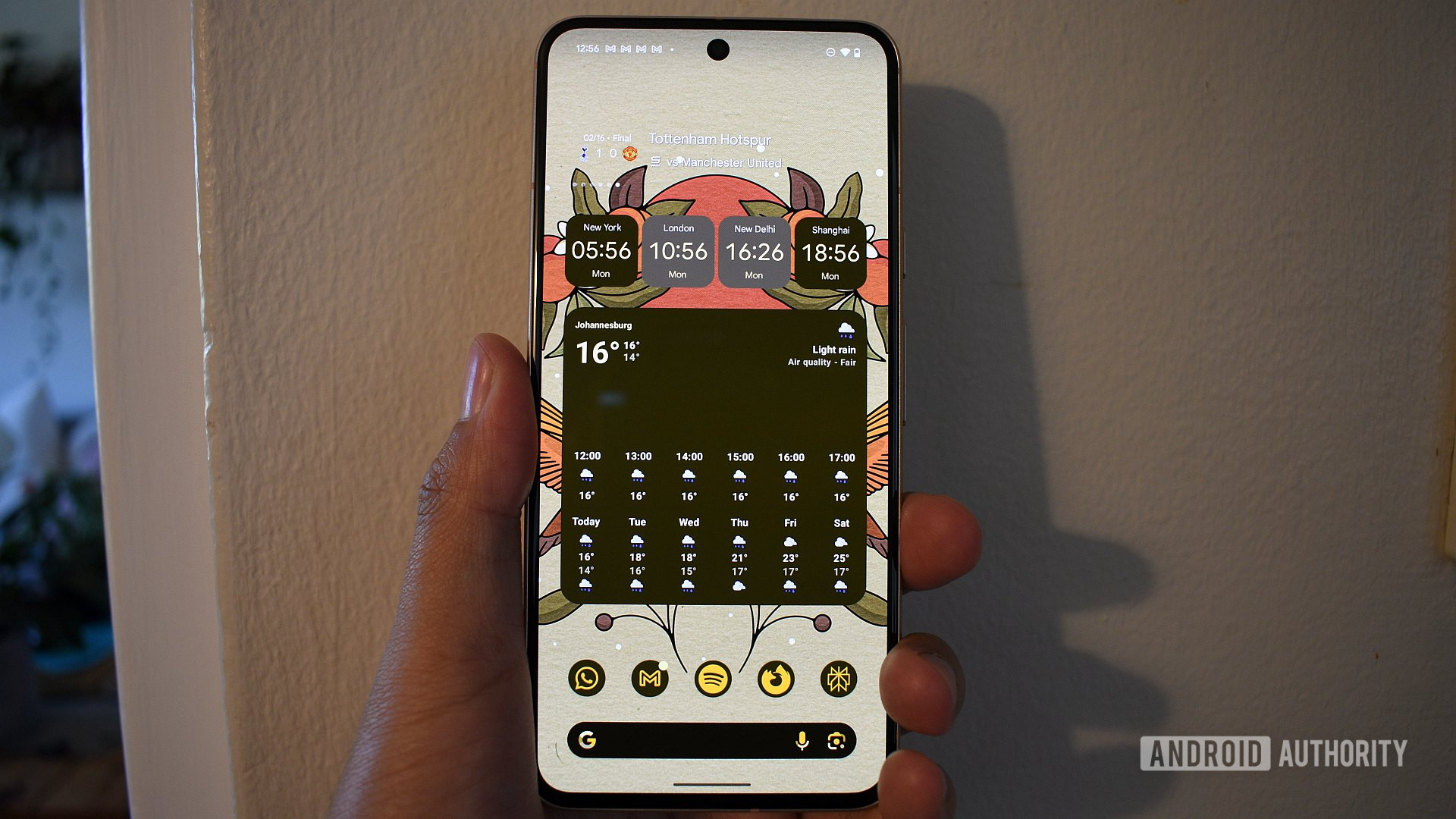
My biggest issue with widgets nowadays, though, isn’t design, but it’s that they’re not smart, dynamic, or contextual. I don’t always need the transit widget, just when I’m heading out, so why should it always remain on my home screen? I’m not a student, nor do I have meetings every day, so I don’t need to stare at my calendar all day, just when I actually have an upcoming event. I’m not always playing music, so why should the Spotify or Pocket Casts widgets stay on? You get it.
I just want widgets to expand and contract depending on their urgency, then disappear when not needed. Now that’d be a cool use of AI.
In the age of AI, it’s silly to think that widgets are still static in size and type of content displayed. If I place a 4×2 Battery widget on my Pixel’s home screen, it’ll always take up that huge space, even when I’m not using my Pixel Buds. And why can’t my calendar widget expand on busy days and minimize on slower ones, then disappear when I have nothing? Why can’t my Spotify widget show recommendations when there’s nothing playing, then switch to playback controls when there is? Why isn’t there a Translate widget that teaches me a new word each day, but offers translation when I’m traveling? Only things like this would make widgets more appealing to me.

Rita El Khoury / Android Authority
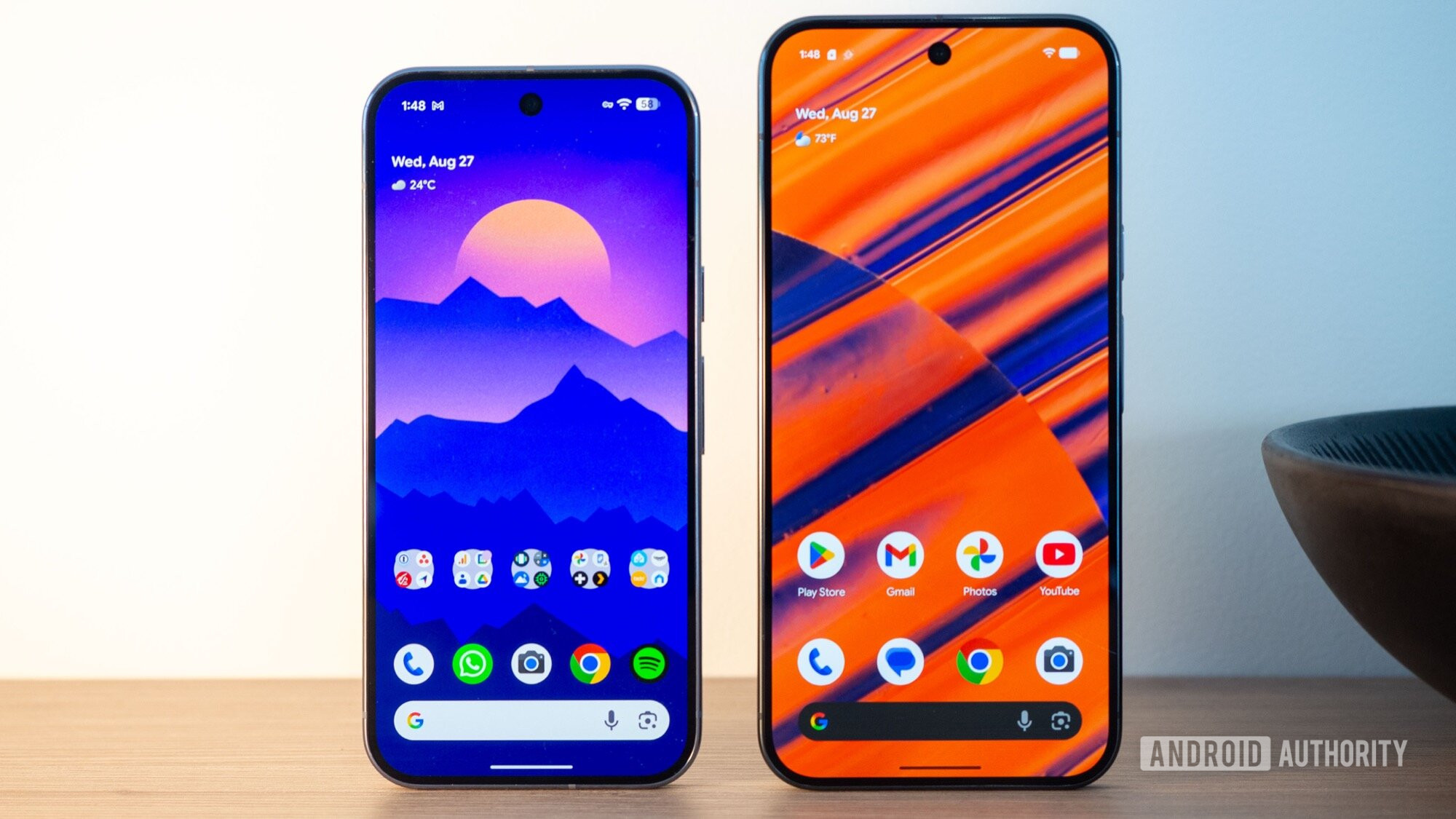
The only exception to this is Google’s At A Glance widget, which I absolutely adore. On my Pixel, it doesn’t even technically count as a widget, since it’s embedded in my home screen, and it often melds into the background. Date and weather, nothing else, most times, then, when there’s something important happening like a meeting, flight, weather alert, or ongoing timer, it shifts to display that info. It’s the most essential element on my home screen, but it understands when to show what. It’s not perfect, but it’s exactly what I want from my home screen.
Some things are better than widgets
For the past few years, I’ve adopted a more efficient home screen layout by embracing the default Pixel Launcher with its built-in At A Glance widget and Google search bar. More than 90% of my apps live on my home screen in two rows of app shortcuts and folders. That way, any piece of information in any app is never more than a couple of taps away, without ever crowding up my home screen. I realized that my brain functions better this way, sequestering info rather than bombarding myself with it. And to be fair, I can always see and do more in the main app than I ever could on any widget.
With time, I also realized that the audio playback notification is far superior to any home screen music widget because it’s app-agnostic instead of limiting me to one specific app per widget. It pops up regardless of whether I’m listening to Spotify, Pocket Casts, or YouTube Music. It’s also accessible from any app, so I don’t need to go back to my home screen to use it, and it can be set to disappear when nothing is playing.
Recently, I’ve also fallen in love with Android 16’s Live Notifications. They’re the very definition of contextual info, popping up immediately when I order an Uber, start a transit trip, or begin driving, and then disappearing when that’s over. No persistent nagging or visual clutter.
When I put all of these together, it’s tough to argue about the dwindling utility of Android widgets — at least for me. Today, there just isn’t enough value or merit to any widget on Android that would make me want to keep it permanently on my home screen, especially if I have to overlook its bad design. That’s why I said widgets could disappear from Android now, and I wouldn’t miss them. Just don’t touch At A Glance, please, unless it’s to make it better.
Don’t want to miss the best from Android Authority?


Thank you for being part of our community. Read our Comment Policy before posting.

