


Ryan Haines / Android Authority
TL;DR
- Samsung Weather v1.7.30.8 updates several UI elements, including new specific icons for the pollen card.
- The moon phase card is now more compact, while wind and pressure cards feature redesigned graphics.
- New quick toggles on the radar map now link directly to specific views on The Weather Channel’s website.
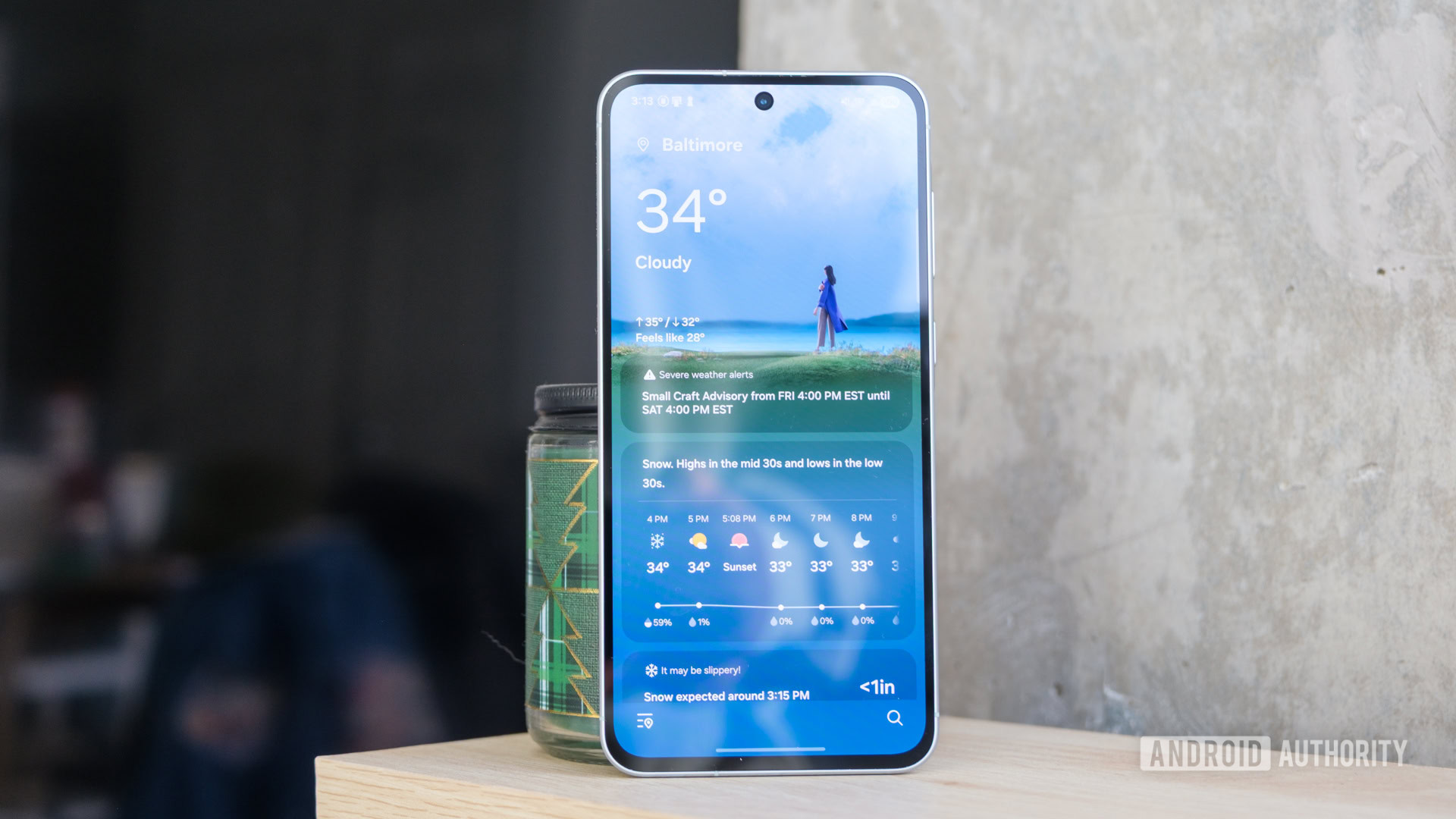
Samsung Galaxy smartphones, such as the latest Galaxy S26 series, come with the Samsung Weather app preloaded. It’s one of those rare apps from the company that look great and get the job done. Samsung has updated the Weather app to v1.7.30.8, bringing some nice UI changes, such as newer icons for various cards and quick toggles for the Radar map.
Starting off, the Pollen card on Samsung Weather has been updated with new icons. Out goes the generic translucent leaf icon, and we now have specific opaque icons for Tree, Grass, and Ragweed that make it easier to get information at a glance — though Samsung could do a better job at depicting the intensity with the icons.
The Wind and Pressure cards also see new graphics, though opinion could be divided on whether these new icons are as helpful. The older icons were easier to glance at, with prominent text that is easy to read.
Don’t want to miss the best from Android Authority?


The Moon and Radar cards also see changes. The Moon card takes less space now, since the moonset and moonrise times are now placed side by side for less wasted space.
The Radar card shows more icons at the bottom of the map for interaction. We now have icons for the 6-hour forecast, radar, cloud, and temperature. Each of these icons opens the specific type of radar map on The Weather Channel‘s website.
All of these changes are live in the app, so update your Weather app from the Galaxy Store right away.
Thank you for being part of our community. Read our Comment Policy before posting.

