Close Menu
newzz.net
    Facebook X (Twitter) Instagram
    Trending
    • This New DoorDash Feature Will Change How You Order Food
    • J&K eyes Clean Health Plant Institution to improve quality of horticulture planting material
    • 541. Trump’s World Cup Mess and Kushner’s Albania Deal
    • Bipartisan Bill to Help Communities Support Bird Habitat Clears House Committee
    • Google fixes Pixel Watch glitch causing Play Store to crash
    • Meta and Reliance Industries partner to develop 168 MW, AI-enabled data centre in Gujarat
    • Alastair Campbell’s diary: My journey to see what makes the Finns so happy
    • WMO warns the world to prepare for severe extreme weather events – A greener life, a greener world
    newzz.net
    Friday, June 12
    • Home
    • Top Stories
    • Technology
    • Business
    • Politics
    • Health
    • Loans
    • Interest Rates
    • Mortgage
    • Entertainment & Arts
    • Science & Environment
    • Smart Solutions
    newzz.net
    You are at:Home»Technology»This tiny Gmail change will make it easier to manage your inbox on Android
    Technology

    This tiny Gmail change will make it easier to manage your inbox on Android

    Editorial TeamBy Editorial TeamJune 29, 2025No Comments3 Mins Read
    Facebook Twitter Pinterest LinkedIn Tumblr Email
    This tiny Gmail change will make it easier to manage your inbox on Android

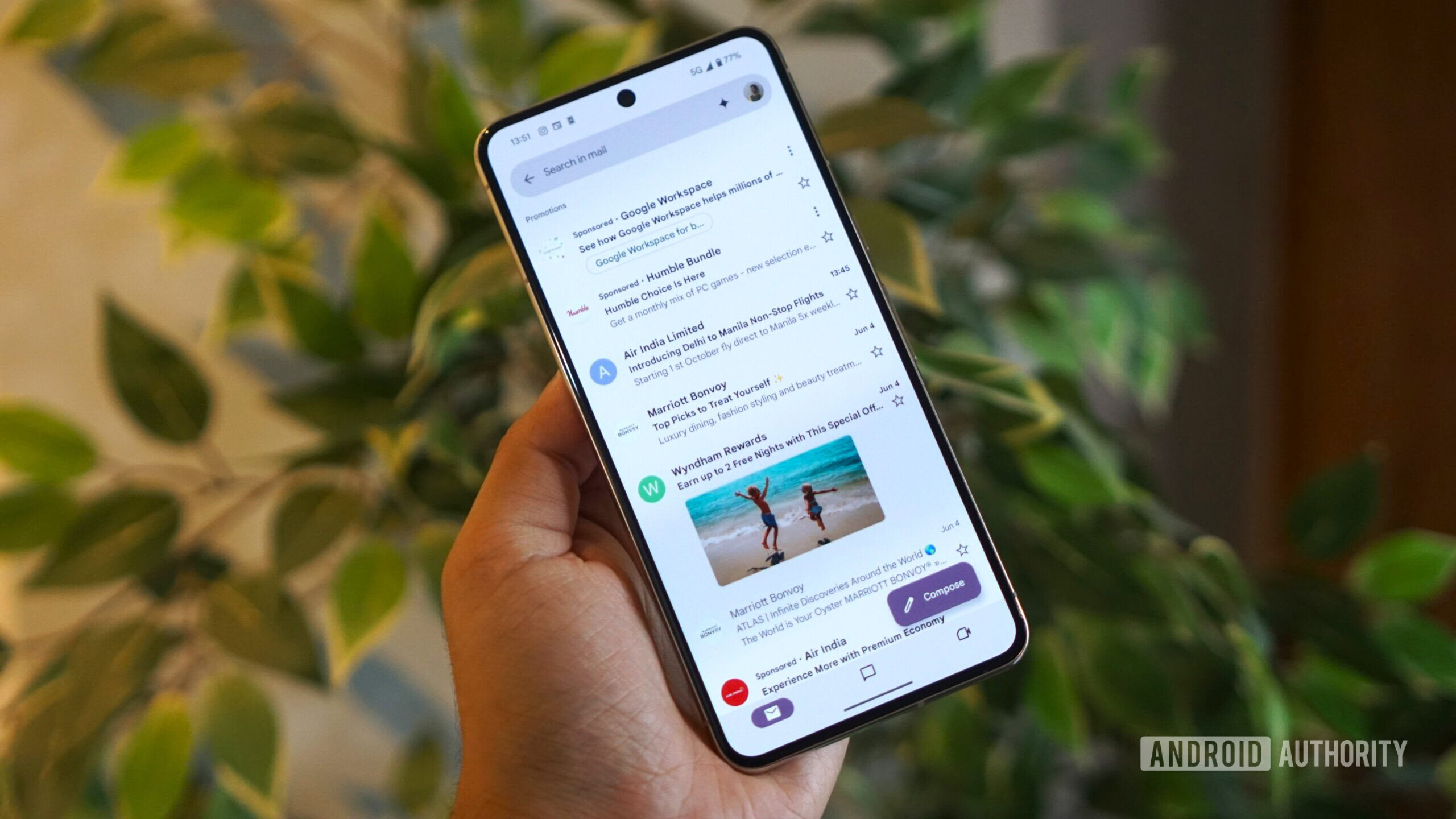
    gmail sponsored emails inbox view

    Calvin Wankhede / Android Authority

    TL;DR

    • Gmail for Android is testing a new “mark as read” button directly within its notifications, letting users manage their inbox without opening the app.
    • The feature appears to be undergoing A/B testing with a small number of users, as it’s not widely available despite being on the latest app version.
    • This potential addition would bring Gmail’s Android app in line with its iOS counterpart and other email clients that already offer this convenient shortcut.

    If your email inbox gets flooded with messages each day, it can be a chore to go through them all. One way to efficiently deal with this influx is to mark some emails as “read,” keeping them in your inbox without distracting you from more important matters. After all, you can often tell if an email needs your immediate attention just from the sender, subject line, and the first few lines of the message. Unfortunately, if you use Gmail for Android and want to mark an email as read, you have to open the app, as there’s no shortcut in the notification to do it. Thankfully, that could change soon.

    Earlier today, X user Kurt Gomez notified us that he was seeing a “mark as read” button in his Gmail notifications. He told us that the button only appeared for one of his accounts, suggesting the feature is rolling out on an account-by-account basis. He also confirmed he’s on the latest version of Gmail for Android, version 2025.06.15. I have the same version installed, but I don’t see the “mark as read” button for any of my accounts.

    Besides our tipster, we’ve only seen one other person report a “mark as read” button in Gmail. Another X user, Gilroy, also claimed to have the button but didn’t share a screenshot or specify their app version. With so few reports, it’s likely Google is A/B testing the feature with a small group of users to gauge engagement. This feature will likely be popular, however, as it’s commonly found in other Android email apps and is already available in Gmail for iOS.

    If you see the new “mark as read” button in your Gmail notifications, let us know in the comments below! If you don’t have the feature yet, you could try an app called AutoNotification. It can replace Gmail’s notifications with custom ones that include a “read” button.

    Otherwise, you’ll have to stick with the old methods for marking an email as read. You can either open the email directly (from either the notification or the inbox) or use a swipe gesture, provided you’ve configured that action in Gmail’s settings.

    Hopefully Google will continue to add more quality-of-life features like this to the Gmail app for Android. While some of the new AI features in Gmail are nice, I’d much prefer the company work on implementing the basics, like the ability to edit filters and labels.

    Got a tip? Talk to us! Email our staff at news@androidauthority.com. You can stay anonymous or get credit for the info, it’s your choice.
    Android change easier Gmail inbox manage tiny
    Previous ArticleDow Jones, S&P 500, Nasdaq Composite, Dax, Hang Seng, Nifty 50: Surprise winners redefine markets in H1
    Next Article The Power of a Connected Network
    Editorial Team
    • Website

    Related Posts

    This New DoorDash Feature Will Change How You Order Food

    Google fixes Pixel Watch glitch causing Play Store to crash

    OpenAI Files Confidentially for IPO to Join Anthropic and SpaceX

    Comments are closed.

    • Facebook
    • Twitter
    • Instagram
    • Pinterest
    Don't Miss

    This New DoorDash Feature Will Change How You Order Food

    J&K eyes Clean Health Plant Institution to improve quality of horticulture planting material

    541. Trump’s World Cup Mess and Kushner’s Albania Deal

    Bipartisan Bill to Help Communities Support Bird Habitat Clears House Committee

    About

    Welcome to Newzz.net, your trusted source for timely, accurate, and insightful news from around the world. We are dedicated to delivering the latest updates and in-depth analysis across a wide range of topics, ensuring our readers stay informed, empowered, and engaged.
    We're social, connect with us:

    Popular Posts

    This New DoorDash Feature Will Change How You Order Food

    June 11, 2026

    J&K eyes Clean Health Plant Institution to improve quality of horticulture planting material

    June 11, 2026

    541. Trump’s World Cup Mess and Kushner’s Albania Deal

    June 11, 2026
    Categories
    • Business
    • Entertainment & Arts
    • Health
    • Interest Rates
    • Loans
    • Mortgage
    • Politics
    • Science & Environment
    • Smart Solutions
    • Technology
    • Top Stories
    Copyright © 2026. newzz.net Designed by Webwazirds7.
    • About Us
    • Privacy Policy
    • Terms and Conditions
    • Contact Us

    Type above and press Enter to search. Press Esc to cancel.